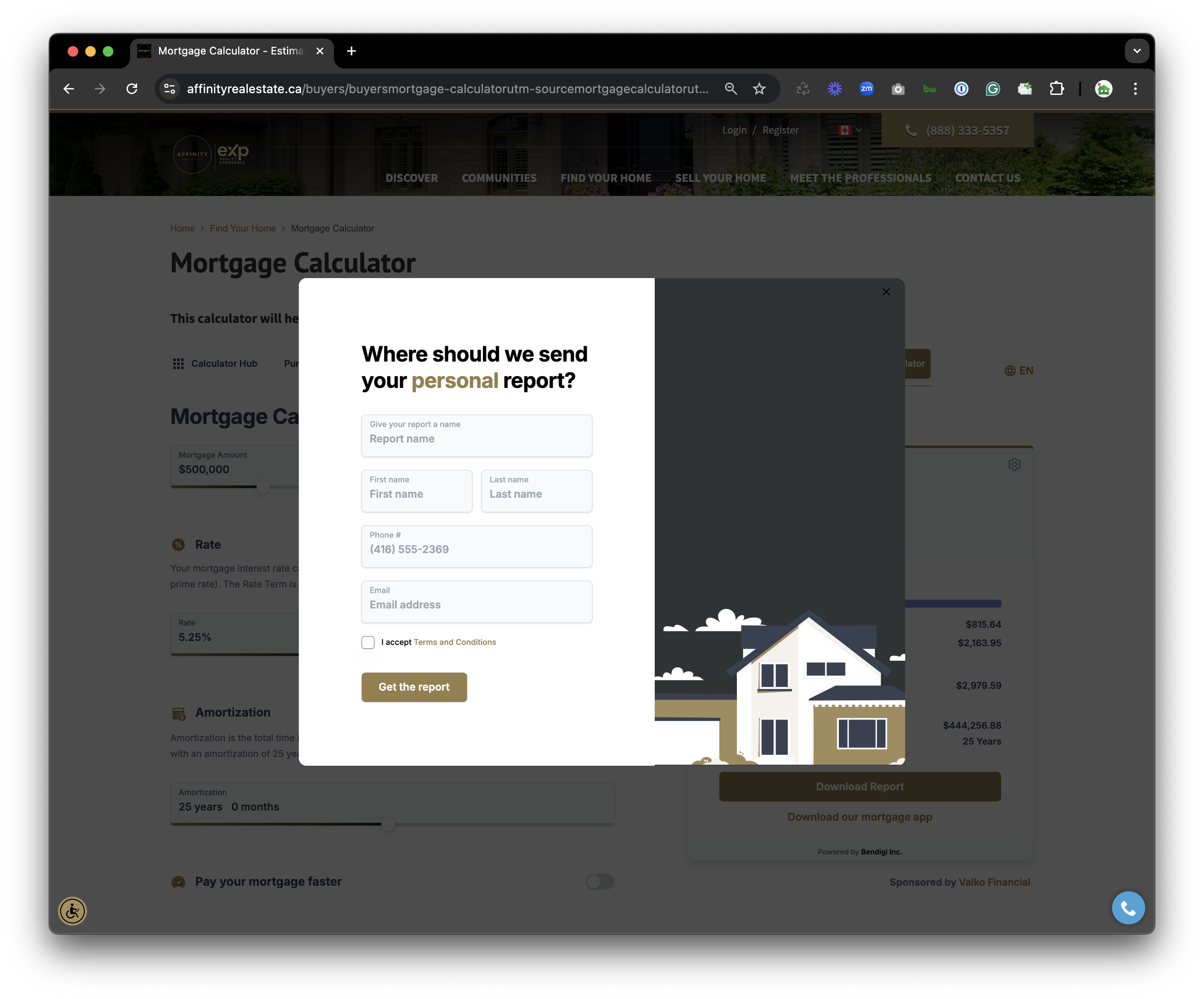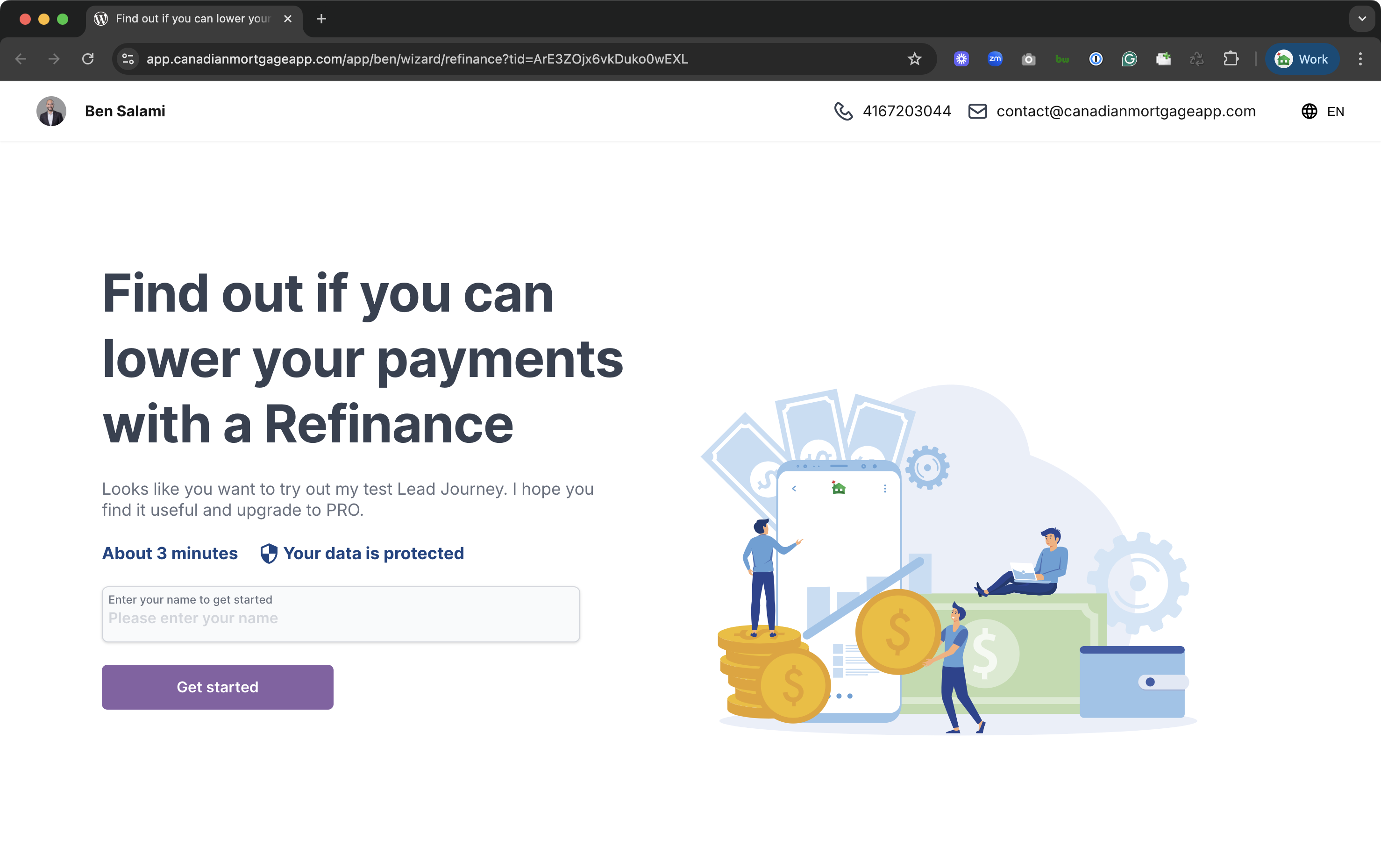
The Ultimate Mortgage Comparison Tool
Compare PRO is designed to do more than crunch numbers. It’s built to empower mortgage brokers with the clarity, speed, and strategic insight needed to guide clients through even the most complex decisions.
Features at a Glance

This is the heading
Lorem ipsum dolor sit amet, consectetur adipiscing elit. Ut elit tellus, luctus nec ullamcorper mattis, pulvinar dapibus leo.

This is the heading
Lorem ipsum dolor sit amet, consectetur adipiscing elit. Ut elit tellus, luctus nec ullamcorper mattis, pulvinar dapibus leo.

This is the heading
Lorem ipsum dolor sit amet, consectetur adipiscing elit. Ut elit tellus, luctus nec ullamcorper mattis, pulvinar dapibus leo.

This is the heading
Lorem ipsum dolor sit amet, consectetur adipiscing elit. Ut elit tellus, luctus nec ullamcorper mattis, pulvinar dapibus leo.

This is the heading
Lorem ipsum dolor sit amet, consectetur adipiscing elit. Ut elit tellus, luctus nec ullamcorper mattis, pulvinar dapibus leo.

This is the heading
Lorem ipsum dolor sit amet, consectetur adipiscing elit. Ut elit tellus, luctus nec ullamcorper mattis, pulvinar dapibus leo.
Features at a Glance
Smarter Comparisons. Real-World Scenarios
No more spreadsheets or side notes. With Compare PRO, you can:
Create unlimited scenarios with custom names, tags, and colours
Organize clients, products, and strategies with ease
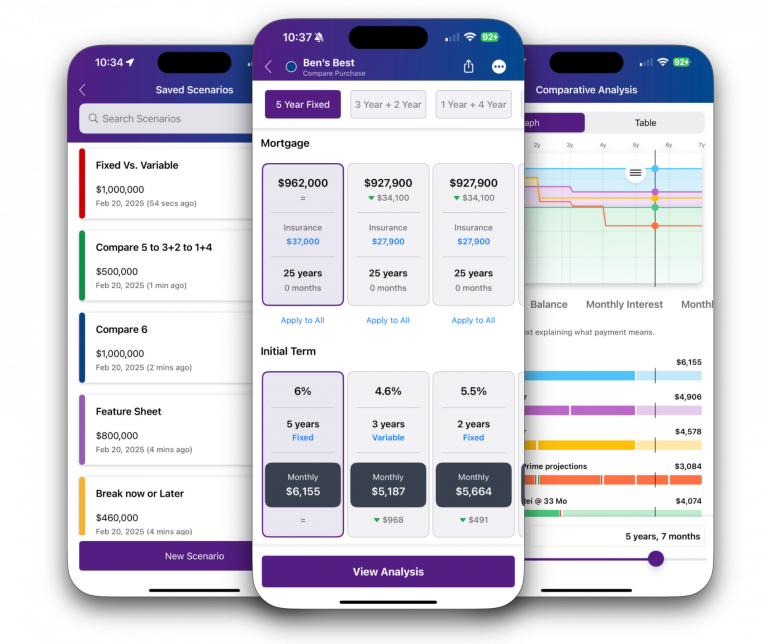
Present up to five mortgage options side-by-side — including purchase price, down payment, amortization, interest rate, and insurance.
Model the Complete Mortgage Journey
It’s not always just 5-year vs 5-year. What if your client is considering a 2-year variable followed by a 3-year fixed? With our Mortgage Journey Map, you can:
-
-
Stack multiple terms in one strategy
-
Compare blended term options over time
-
Track interest, balances, and amortization — automatically
-
No guesswork. Just clarity.
Break-Even Rate Analysis
Answer the question that matters most:
At what future rate would both paths break even?
With one tap, you’ll reveal the tipping point between strategies — empowering your client to choose with confidence.
Simulate Real Life. Not Just Theory.
Mortgage plans rarely stay on track. That’s why Compare PRO lets you:
Break a term early
Estimate a 3-month penalty at a future time
Refinance and Pull Equity
Extend Amortizations
Apply extra payment or match payments
It’s not just a comparison tool — it’s a mortgage storytelling engine tailored to your client’s journey.
Rate Projection Map
Still comparing fixed, variable, or adjustable?
Project future Bank of Canada movements and show how payments or interest could shift over time — visually and interactively.
From expected cuts to surprise hikes, your clients will see what’s at stake, before they commit.
Fixed vs VRM vs ARM
Compare PRO lets you go beyond static comparisons by modelling how Fixed, Variable (VRM), and Adjustable (ARM) mortgages behave over time.
-
Fixed – Locked-in rate and payment. Simple and predictable.
-
VRM – Payment stays the same, but interest/principal shifts as rates change.
-
ARM – Both rate and payment change with the market — more risk, more potential savings.
Branded Reports in Seconds
When you’re ready to deliver:
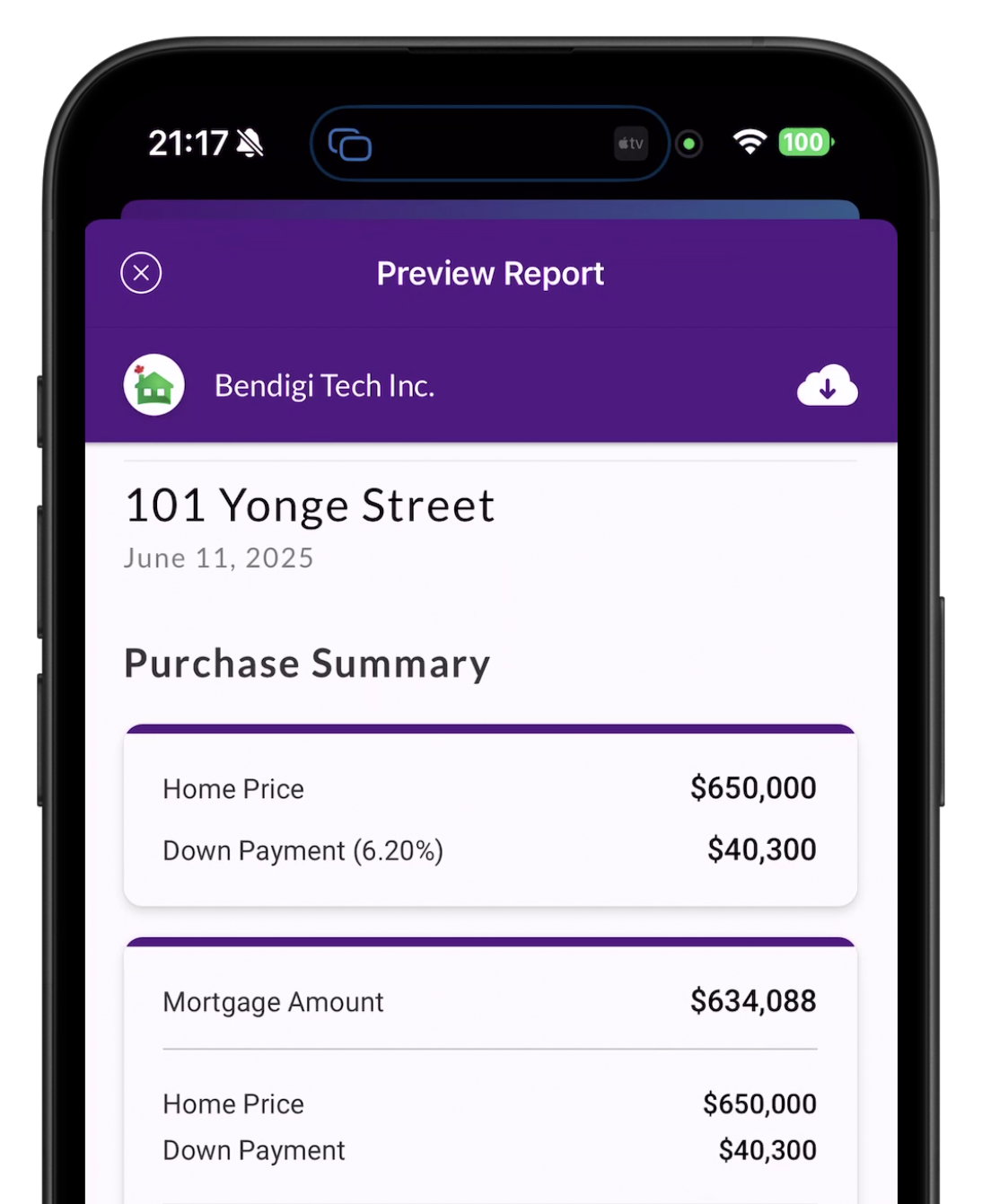
Export branded, professional reports with your photo and logo
Include client name, property address, and clear side-by-side breakdowns
Send as a live trackable link or PDF — and get notified the moment it’s opened
Feature | Old Compare | Compare PRO |
|---|---|---|
Scenarios | Compare 2 scenarios at a time | Compare up to 5 scenarios at a time |
Scenario Types | Purchase | Purchase, Renewal, Mortgage-Only |
Comparison Type | Term or full mortgage | Single or multi-term strategies (e.g., 2-year + 3-year combo) |
Options | Rates, terms, down payments, home price, with/without insurance, extra payments | Rate, Terms, down payment, home price, plus term breaks, refinances, equity pulls, amortization resets, matched payments |
Visualizations | Static side-by-side report | Interactive Mortgage Journey Map, Break-Even Rate, Rate Projection Map |
Mortgage Types | Fixed and Variable | Fixed vs VRM vs ARM |
Organization | Basic scenario setup | Custom names, tags, colors for clients/products |
Reports | Branded PDF | Branded PDF |
FAQ
Is there a launch promo?
For a limited time, all PRO subscribers will receive 50 lead credits when they first upgrade to PRO. You can subscribe to PRO here.
In a way, you are getting $50 back to try out PRO and the Lead Journeys, as we are confident that you will close at least 1 out of 50 and see your ROI within the first month.
Do I need lead credits to use Lead Journeys?
Yes. Lead Journeys requires lead credits to capture contact information. Each credit equals one lead, so whenever a prospect verifies their email and submits their details, it counts as one credit.
How do I purchase lead credits?
You can purchase lead credits directly from the Web Admin Dashboard. Just head to the Lead section, select Buy Credits and set the amount you want, and check out.
How much does it cost?
We made it simple: 1 lead credit is equivalent to $1. ie 100 leads = $100
What happens if I run out of credits?
Once your credits are used up, your Lead Journeys will remain active, but new leads won’t be captured until you add more credits.
How can I track my credits?
Your remaining credits are always visible in your Web Admin Dashboard, so you’ll know exactly how many you have left.